

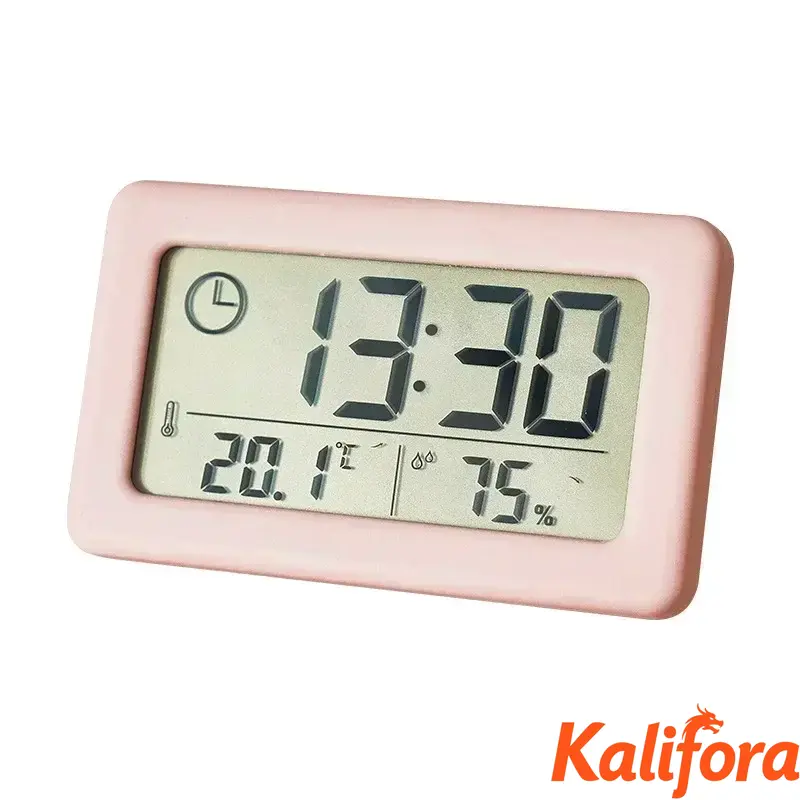
12/24 Hours Wall Clock Thermometer Digital Table Clock Hygrometer Electronic Product Desk Watches Decorate Mini Electronics Home
$2296
12/24 Hours Wall Clock Thermometer Digital Table Clock Hygrometer Electronic Product Desk Watches Decorate Mini Electronics Home
DH-4327-4fc73400e31c21dba8946a20



Column filling
| Ordenar por Preço | Ordenar por Disponibilidade | Ordenar por Código | Ordenar por Variant |
|---|---|---|---|
|
$2296
|
Em stock
|
DH-4327-4fc73400e31c21dba8946a20
|
Variant:
|

$2140
|
Em stock
|
DH-4327-d1ebc3cc34f1c768b3b42ad7
|
Variant:
|

$2256
|
Em stock
|
DH-4327-c6d61005653c4a5954f1da9b
|
Variant:
|

$2272
|
Em stock
|
DH-4327-c9c45770eabcd43a50caa290
|
Variant:
|

A Kalifora é um marketplace global que facilita a descoberta e a compra de produtos de...
Localidade: EN, Sheridan
Description
Button Setting:
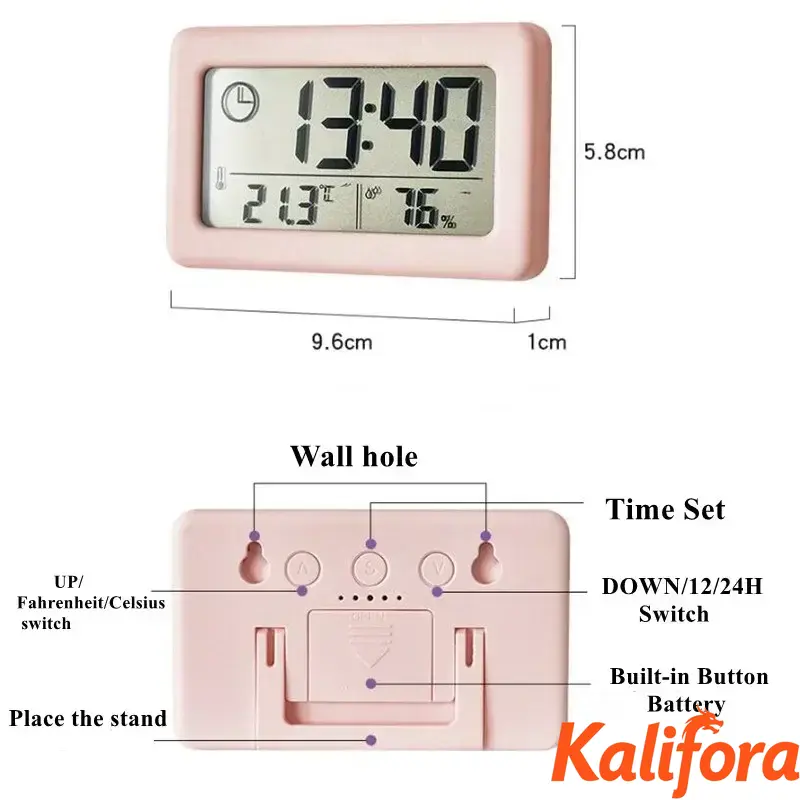
S: Long press to enter the time setting, then short press to switch to set the hour and minute
UP: Normal time display status, short press to switch between Fahrenheit/Celsius. In the setting state, to increase the adjustment object, long press for rapid increase.
DOWN: Normal time display status, short press is 12/24 hours switch. In the setting state, to reduce the adjustment object, long press to reduce quickly.
Time setting: In the normal display state, long press S to enter the time setting. At this time, the hour number is displayed. Use the UP or DOWN button to adjust to the required hour, and then short press the S button to switch the setting minutes, the hour and minute numbers are flashing , Use the UP or DOWN key to adjust to the required minute. Then short press the S key to exit the setting interface.

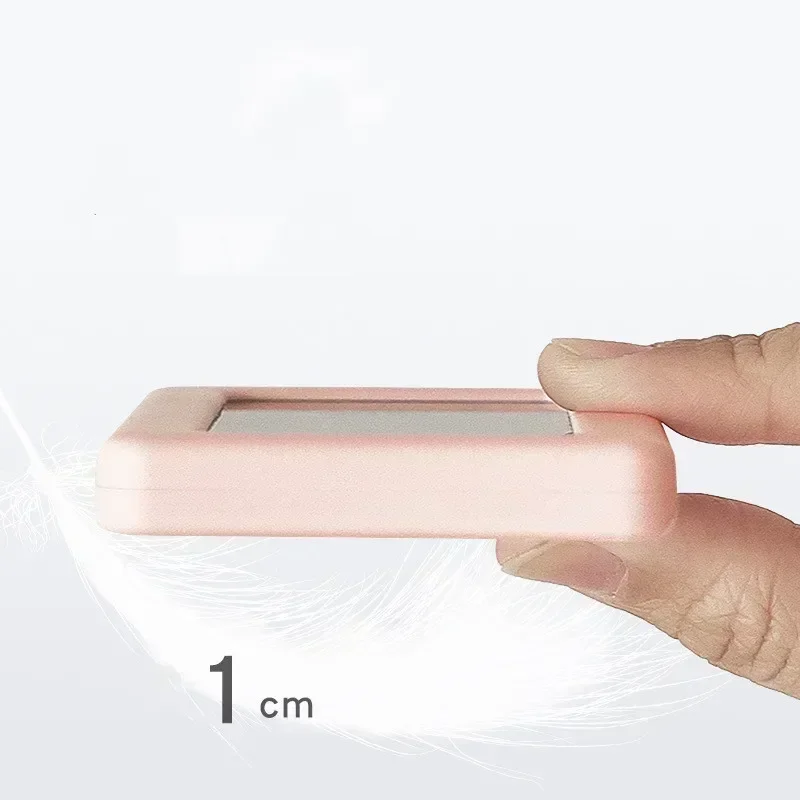
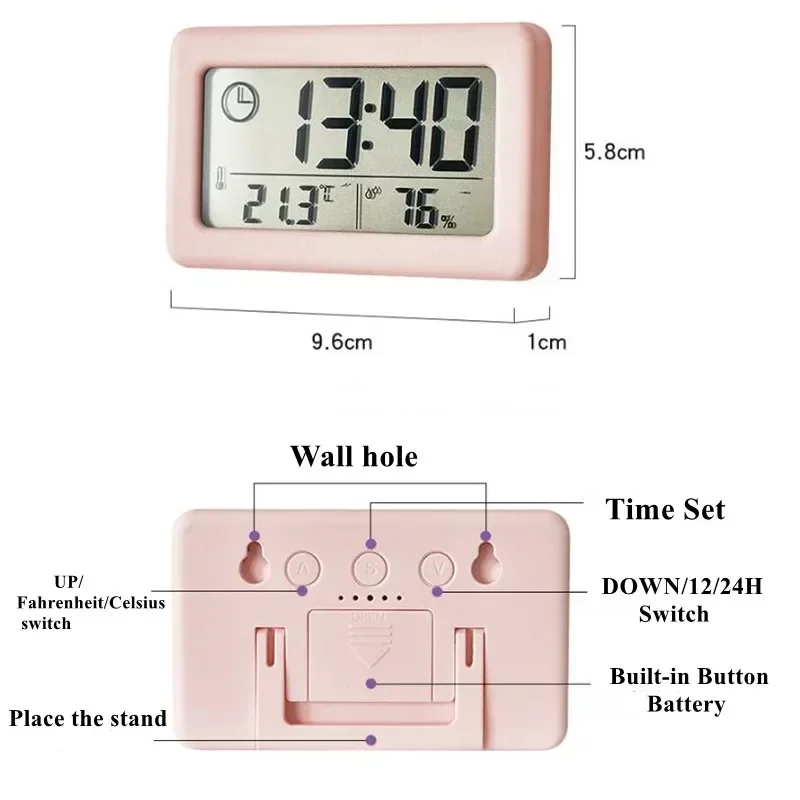
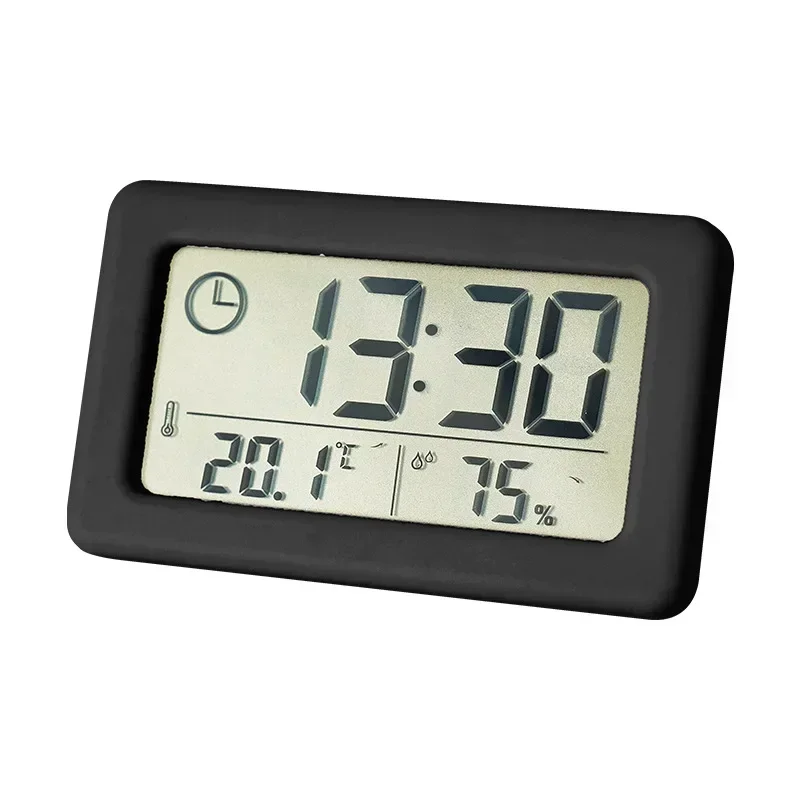
S: Long press to enter the time setting, then short press to switch to set the hour and minute
UP: Normal time display status, short press to switch between Fahrenheit/Celsius. In the setting state, to increase the adjustment object, long press for rapid increase.
DOWN: Normal time display status, short press is 12/24 hours switch. In the setting state, to reduce the adjustment object, long press to reduce quickly.
Time setting: In the normal display state, long press S to enter the time setting. At this time, the hour number is displayed. Use the UP or DOWN button to adjust to the required hour, and then short press the S button to switch the setting minutes, the hour and minute numbers are flashing , Use the UP or DOWN key to adjust to the required minute. Then short press the S key to exit the setting interface.
Product specifications
| Style | Modern Style |
|---|---|
| Country of origin | China |
| Is Smart Device | no |
| Battery Included | no |
| Shape | SQUARE |
| Length | 96 |
| Feature | LUMINOVA |
| Screen Type | LED |
| Model Number | Digital Led Clock for living rooom Bed Room |
| Diameter | 10 |
| Motivity Type | Digital |
| Width | 58 |
| Function | Snooze Function |
| Form | Single Face |
| Type | Alarm Clocks |
| Weight | 45 |
| Material | Plastic |
Features
Variant
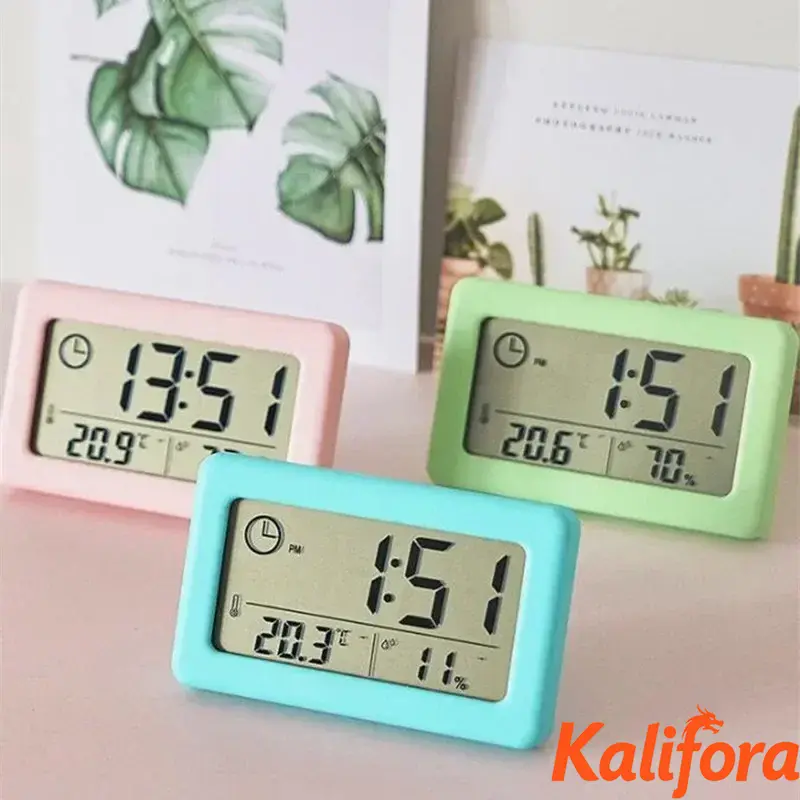
Color: Pink [12000040423064558]
Avaliações
Nenhum comentário encontrado
Inicie sessão para que possamos notificá-lo sobre uma resposta